
CoinsBack App
The CoinsBack APP is the official mobile casino application for Android and iOS. It loads faster than the browser version, keeps a stable connection during gameplay, and offers a simple, convenient interface for quick access to games from any mobile device. Every new installation comes with a bonus of 200 Free Spins on slots.
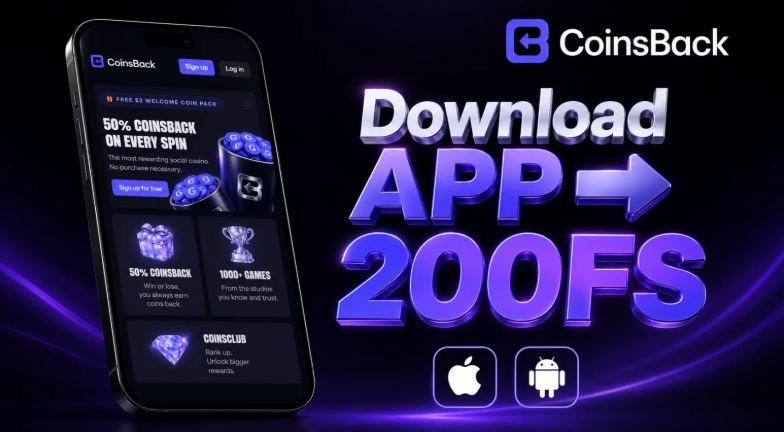
How to Download CoinsBack APK
Android (APK)
- Click the “Download APK” button below to begin the download of the CoinsBack installation file.
- Wait for the archive containing the app to be saved to your device.
- Unpack (extract) the downloaded archive using any file manager.
- Open the extracted APK file and confirm the installation.
- Launch the CoinsBack APP, complete registration, and claim your welcome bonus of 200 Free Spins on slots.
iOS (App)
- Open the CoinsBack website in the Safari browser.
- Tap the “Share” button at the bottom of the screen.
- Select “Add to Home Screen” to install the app icon.
- Open the installed CoinsBack APP directly from your home screen.
- Register your account and start playing with full mobile casino access.